
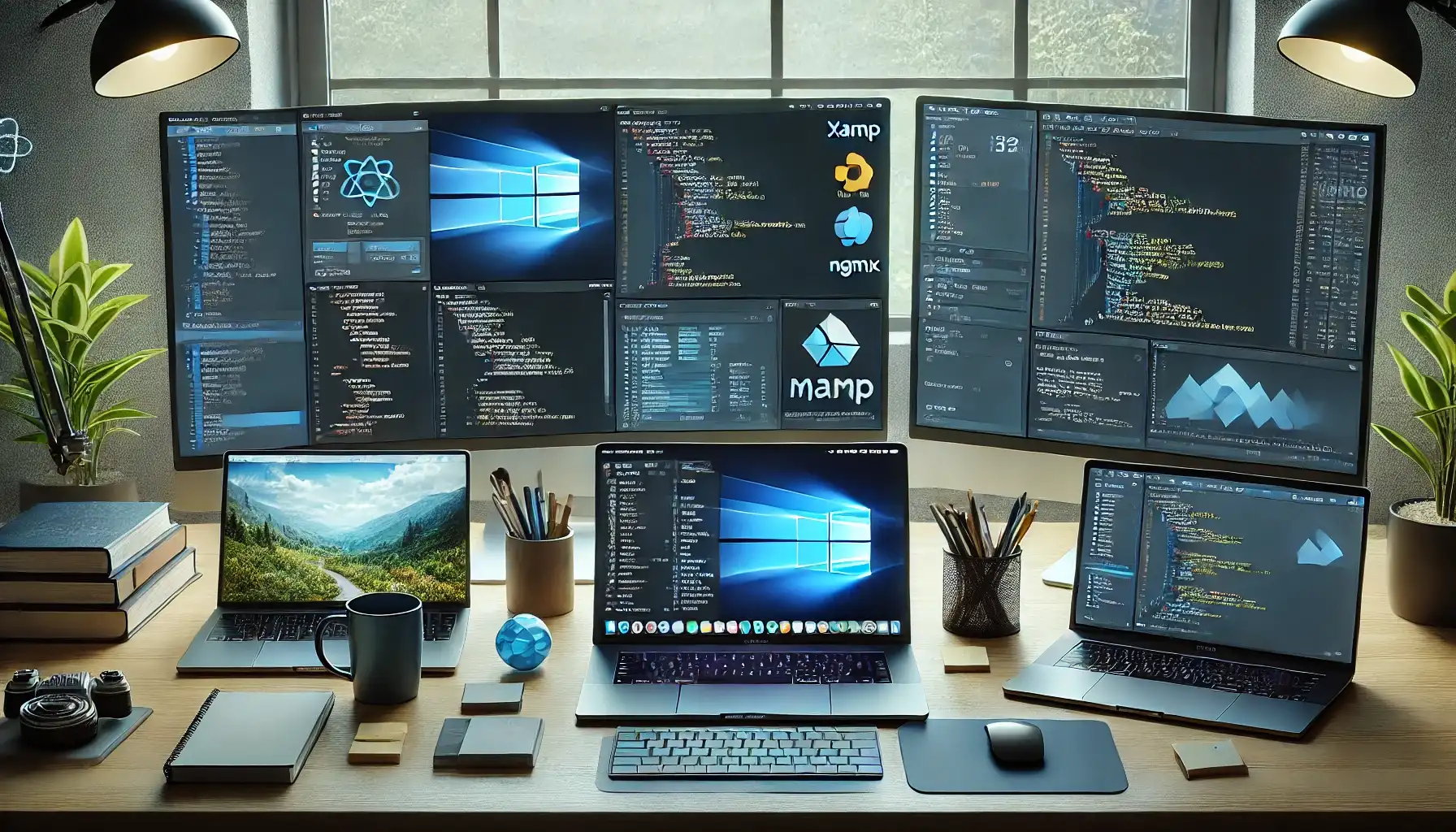
During the web development process, I’ll share some of the best tools I've used across code editors, backend utilities, database management systems, debugging tools, and design applications — for Windows, Linux, and macOS users. Which of these do you use?
1️⃣ Code Editors & IDEs (Cross-Platform)
You’ll need a code editor or IDE (Integrated Development Environment) to write and manage your projects. Here are some of the best options:
🔹 Best Code Editors & IDEs for Windows
- Visual Studio Code (VS Code) – Lightweight, with rich extension support and very popular.
- JetBrains WebStorm – A powerful IDE specifically for JavaScript.
- PHPStorm – One of the best IDEs for PHP developers.
- Sublime Text – A fast and minimal editor.
- Notepad++ – Lightweight and quick, built for Windows users.
🔹 Best Code Editors & IDEs for Linux
- VS Code (Linux version) – Open-source editor by Microsoft.
- JetBrains WebStorm (Linux version) – A professional IDE for JavaScript.
- Eclipse – A popular open-source IDE for Java, PHP, and more.
- Vim – A powerful terminal-based text editor.
🔹 Best Code Editors & IDEs for macOS
- VS Code – Widely used and loved by Mac developers.
- Sublime Text – Lightweight and fast.
- JetBrains WebStorm & PHPStorm – Strongly optimized for macOS.
- Xcode – Built for Apple/macOS development.
2️⃣ Backend Development & Server Management Tools
Backend development covers data processing, user management, and server operations. Here are the best tools by OS:
🔹 For Windows
- XAMPP – A popular local development stack with PHP, MySQL, and Apache.
- WampServer – Windows-only alternative for PHP development.
- Node.js – Essential for backend JavaScript development.
- IIS (Internet Information Services) – Windows' native web server.
- Laragon – Lightweight and user-friendly PHP development environment.
🔹 For Linux
- LAMP (Linux, Apache, MySQL, PHP) – Classic open-source web development stack.
- Node.js – Lightweight and powerful JS runtime for Linux.
- Nginx – High-performance Linux web server.
- Docker – Top containerization tool for development and deployment.
🔹 For macOS
- MAMP – macOS-specific stack with Apache, MySQL, PHP.
- Node.js – Fully compatible JS runtime for Mac.
- Homebrew – Popular package manager for backend tools on Mac.
3️⃣ Database Management Tools
Managing databases is essential for storing, organizing, and querying web application data.
🔹 For Windows
- MySQL Workbench – Most popular tool for managing MySQL databases.
- phpMyAdmin – Web-based interface for MySQL management.
- DBeaver – Supports MySQL, PostgreSQL, SQLite, and many more.
- SQL Server Management Studio (SSMS) – GUI tool for Microsoft SQL Server.
🔹 For Linux
- PostgreSQL – Powerful open-source database system for Linux.
- MySQL – Widely used RDBMS across Linux distributions.
- MongoDB – Popular NoSQL database option.
- Redis – Fast NoSQL data store for caching and processing.
🔹 For macOS
- Sequel Pro – Sleek and simple MySQL GUI for macOS.
- MySQL Workbench – Popular MySQL GUI also available on Mac.
- PostgreSQL – Open-source and robust SQL database engine.
4️⃣ Debugging & Testing Tools
These tools help developers identify and fix bugs in their projects.
🔹 Cross-Platform Tools
- Postman – Excellent for testing and managing API requests.
- Fiddler – Analyzes HTTP/HTTPS traffic.
- Wireshark – Network protocol analyzer.
- Sentry – Real-time error tracking and reporting system.
5️⃣ UI/UX & Graphic Design Tools
UI/UX tools vary depending on the operating system used by frontend developers and designers.
🔹 For Windows
- Adobe XD – Professional UI/UX design tool.
- Figma (Desktop version available) – Powerful online and desktop-based tool.
- GIMP – Open-source graphic design alternative.
🔹 For Linux
- Inkscape – Open-source vector graphics editor.
- GIMP – Popular free alternative to Photoshop.
🔹 For macOS
- Sketch – macOS-exclusive, powerful for UI/UX design.
- Figma – Fully optimized and popular on Mac.
Related Articles
The Fundamentals of Web Development
Comments (0)
Leave a Comment
Sponsors



Apps