
Linux

systemctl --failed lists systemd units whose state is recorded as failed. It is a useful starting point, but a failed unit does not always mean the ma...
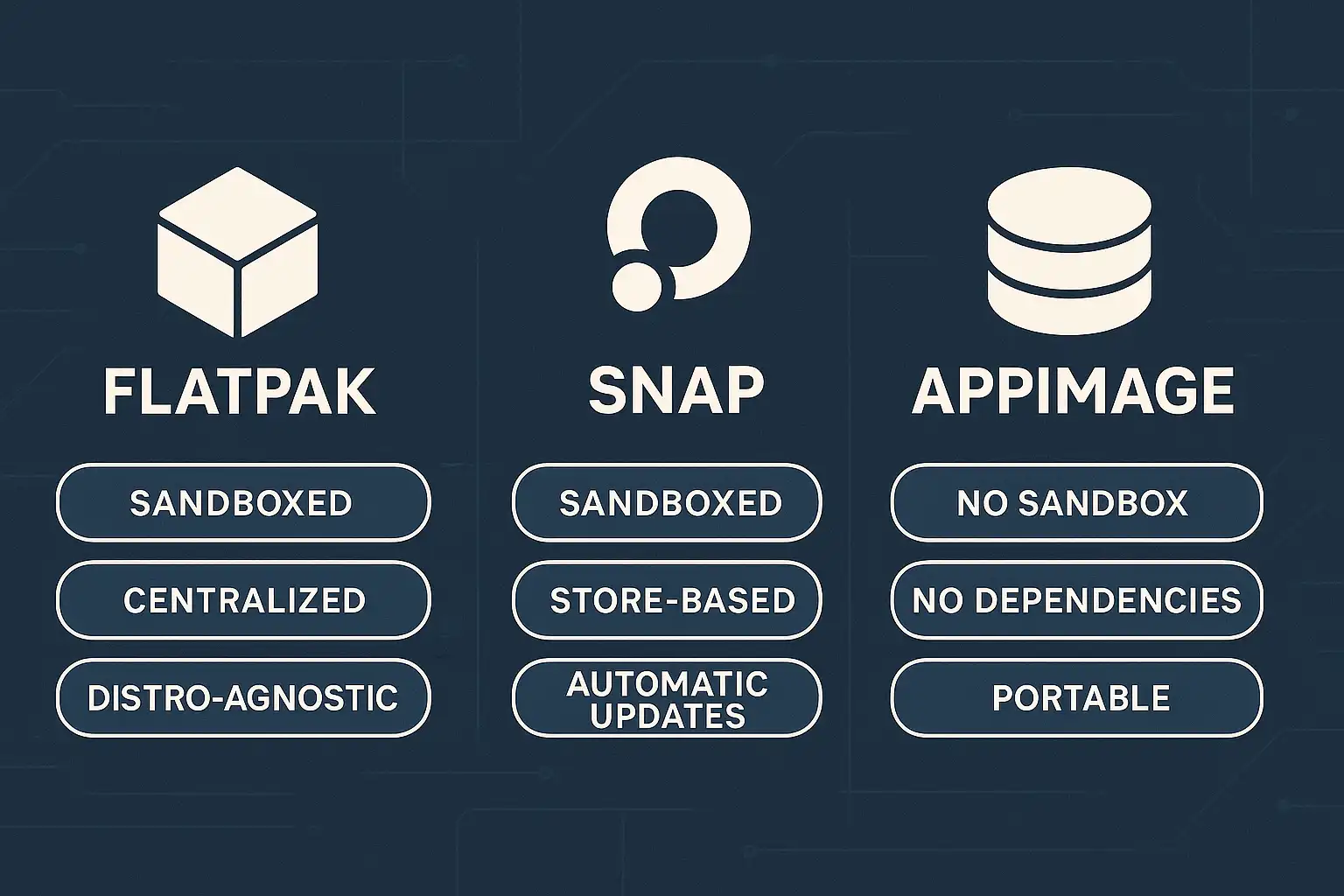
Flatpak, Snap and AppImage are ways to distribute desktop applications across Linux environments. They can reduce dependence on one distribution's pac...
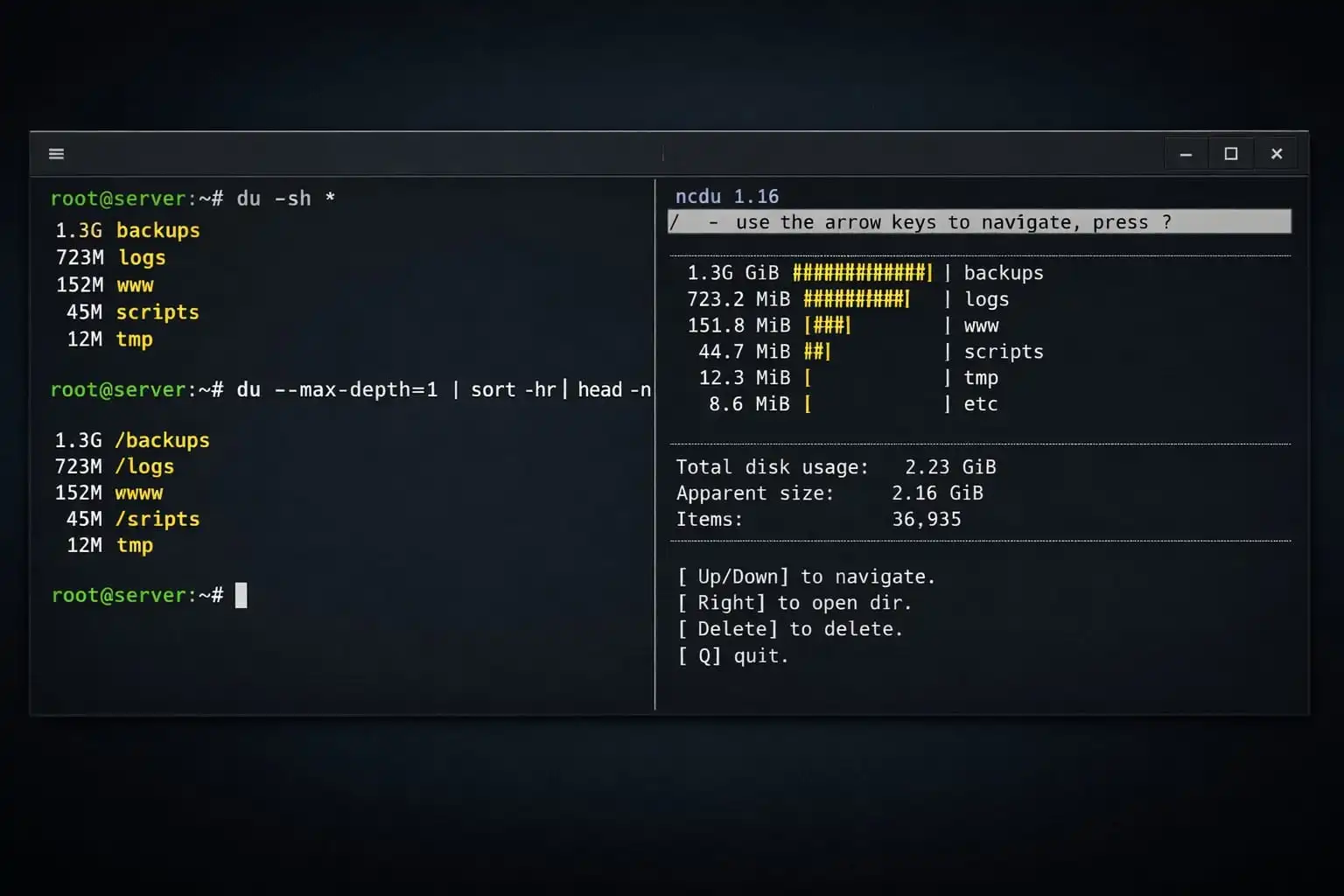
When a Linux filesystem is filling up, start by finding which directories account for the space. df reports filesystem usage; du estimates space used ...
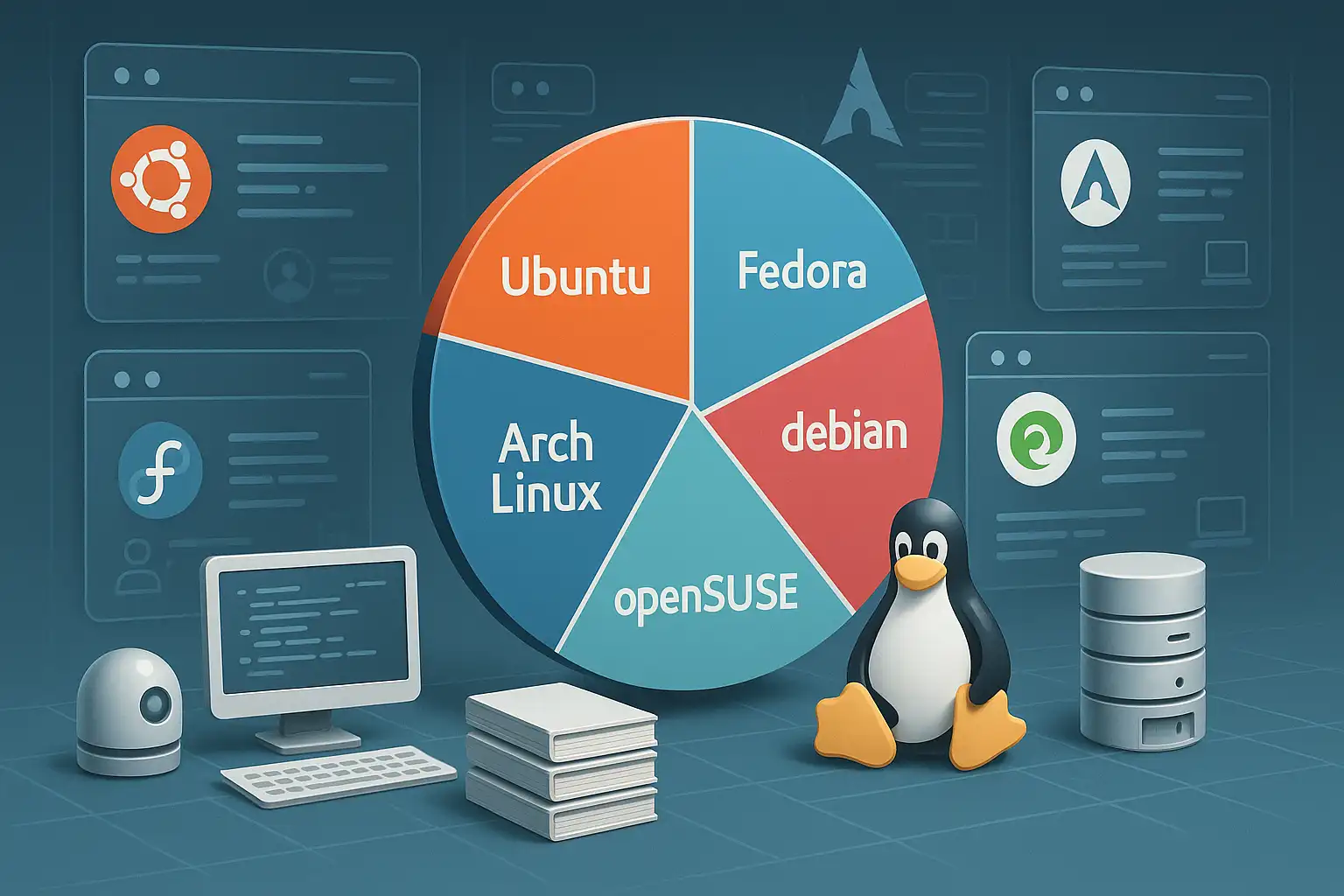
There is no single Linux distribution that is best for every server and desktop. The useful comparison starts with the job: hosting a long-lived servi...
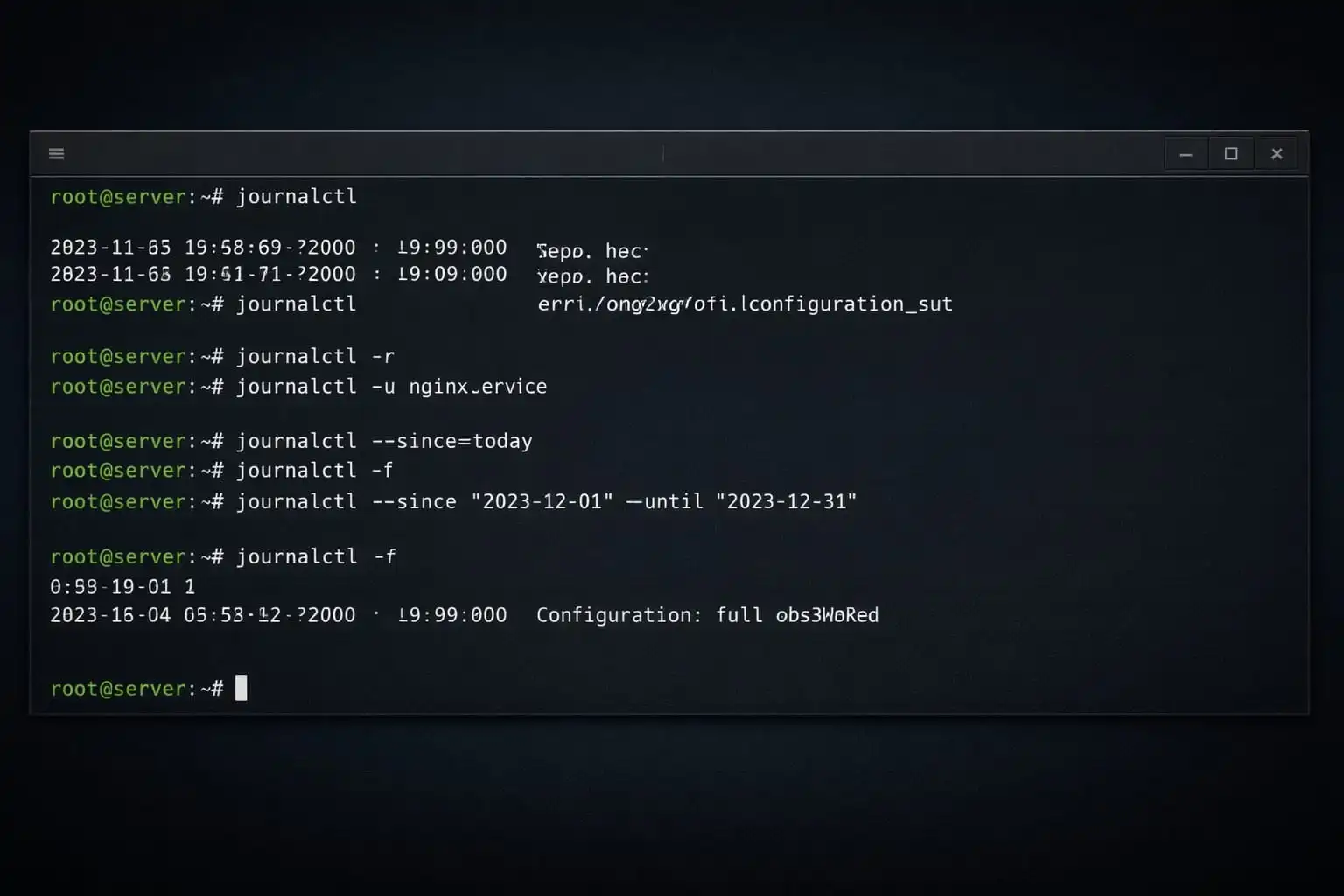
journalctl queries the systemd journal. When a service fails to start, narrow the search by unit, time, and priority instead of reading the entire his...
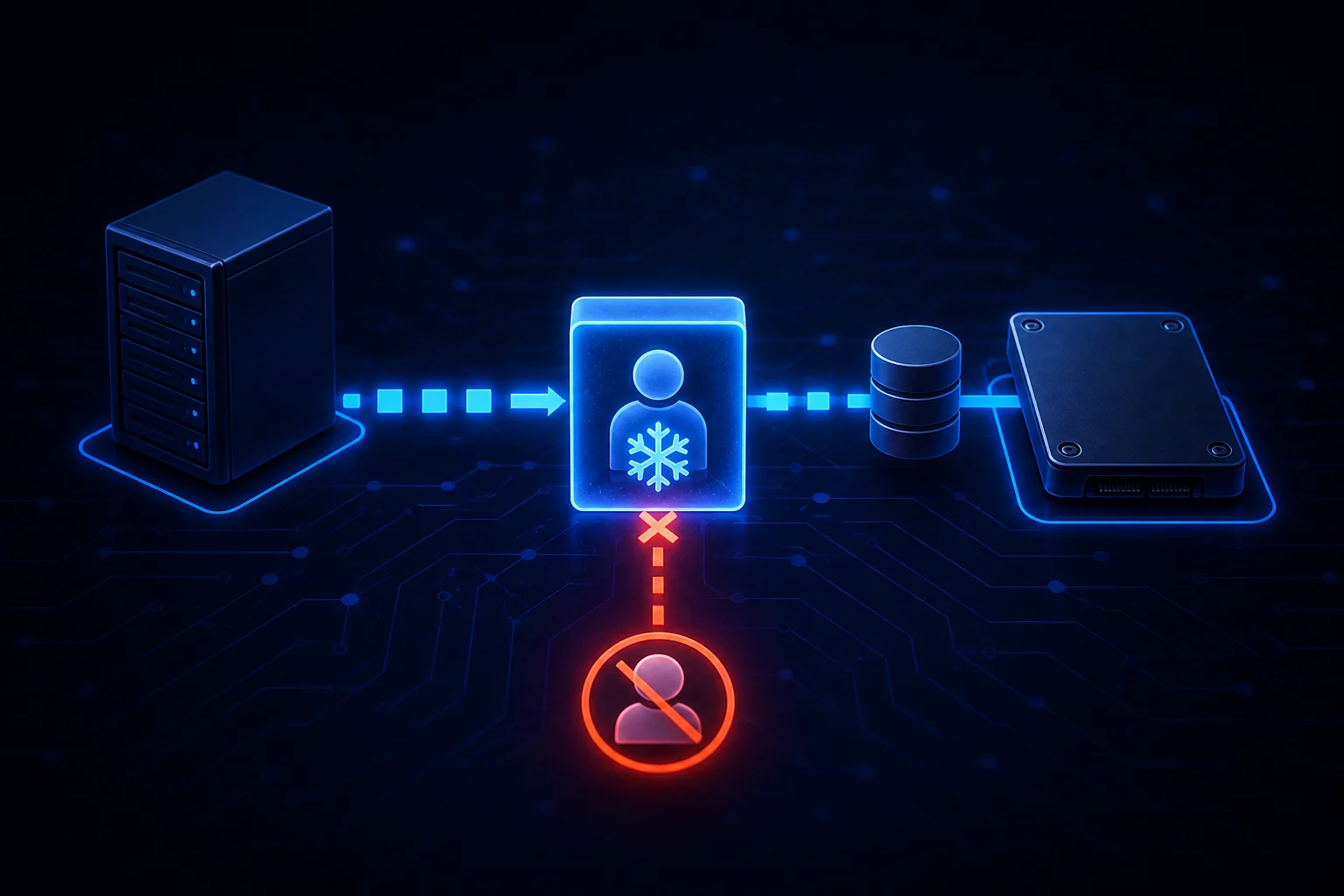
A process that remains visible after kill -9 is not necessarily ignoring SIGKILL. If its state is D, the task is blocked inside an uninterruptible ker...
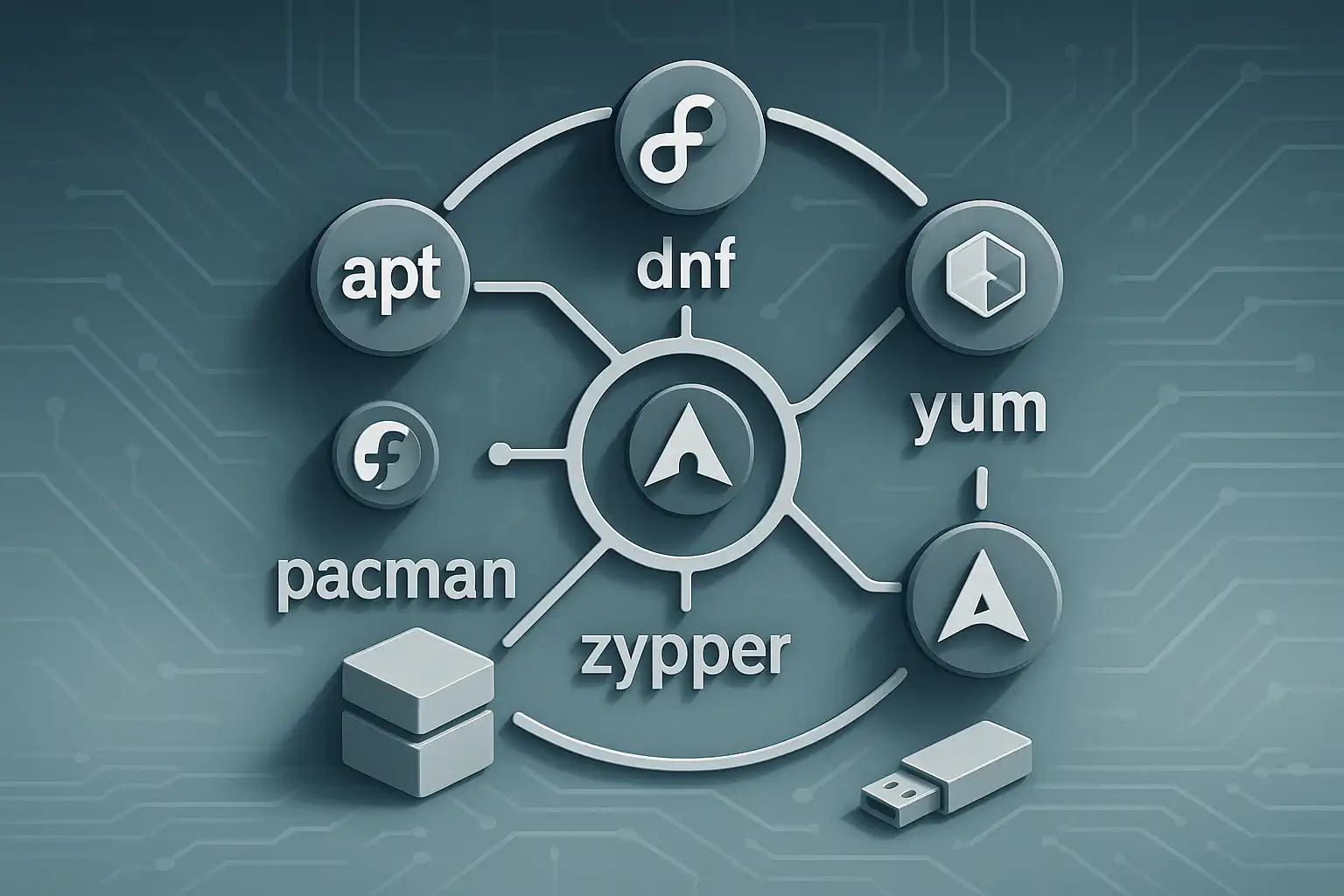
Package Managers in Linux: apt, dnf, yum, pacman and zypper Compared One of the most essential tools used for installing and managing software in Linu...

In Linux systems, file management and user permissions are critical for system security and organization. In this guide, we’ll explore advanced file o...

The Linux terminal is a powerful tool for efficiently performing tasks such as system administration, file management, and network configuration. In t...

In Linux, rsync is one of the most effective tools for data backup and synchronization. Fast, secure, and efficient in file transfer, rsync facilitate...
Sponsors



Apps