
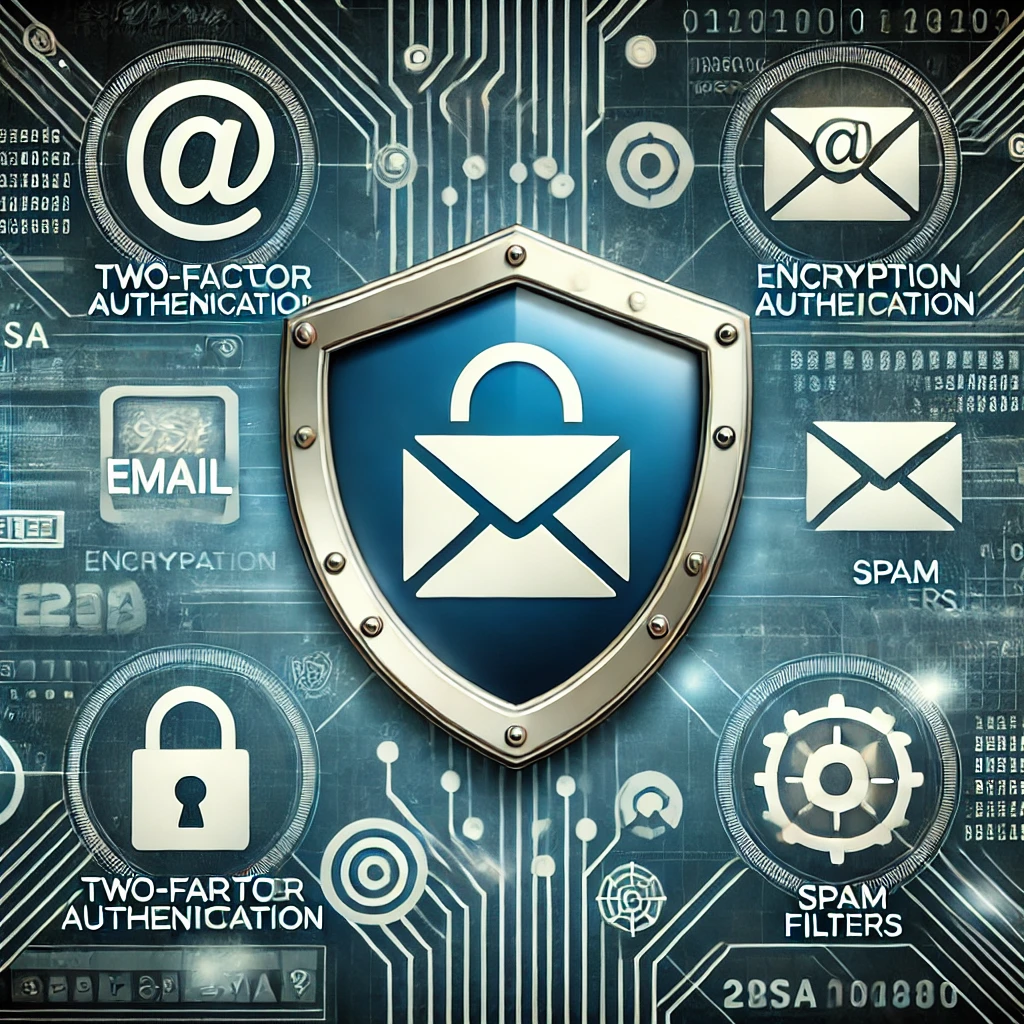
Email security has two connected parts: protecting the mailbox people sign in to and making it harder for others to impersonate your domain. A secure DNS record does not protect a mailbox with a reused password, and MFA on a mailbox does not configure outbound mail authentication.
Protect the account itself
Use a unique password and MFA for email, especially for administrators and accounts that can reset other services. Review recovery addresses, forwarding rules, delegates, app passwords and active sessions. An attacker may retain access through an inbox rule even after a password change.
Train users to verify unusual payment or credential requests through a separate trusted channel. A message can appear in a familiar conversation and still come from a compromised account. Do not rely on display names alone.
Authenticate mail sent by your domain
SPF declares which systems may send for a domain. DKIM adds a signature that receiving systems can validate. DMARC lets a domain owner request a policy based on alignment with the visible From domain and receive aggregate reports. These mechanisms complement one another; none proves that a message is harmless.
Inventory all legitimate senders before tightening policy: mailbox provider, website forms, billing tools, ticketing systems and marketing platforms may use different services. Keep the DNS records aligned with the vendors' current instructions, and use DMARC reports to identify unknown or forgotten sources.
Change policy with observation
Begin by collecting reports and confirming legitimate flows. A stricter quarantine or reject policy can affect mail if a sender was missed, so coordinate the rollout with whoever owns mail delivery. Avoid publishing raw report files or exposing credentials in mail headers and troubleshooting screenshots.
After changes, test messages to more than one receiving provider and inspect authentication results. Revisit the inventory when the organization adds a new service or changes mail platforms.
Related Articles


How to Read DMARC RUA Aggregate Reports

Comments (0)
Leave a Comment
Sponsors



Apps