
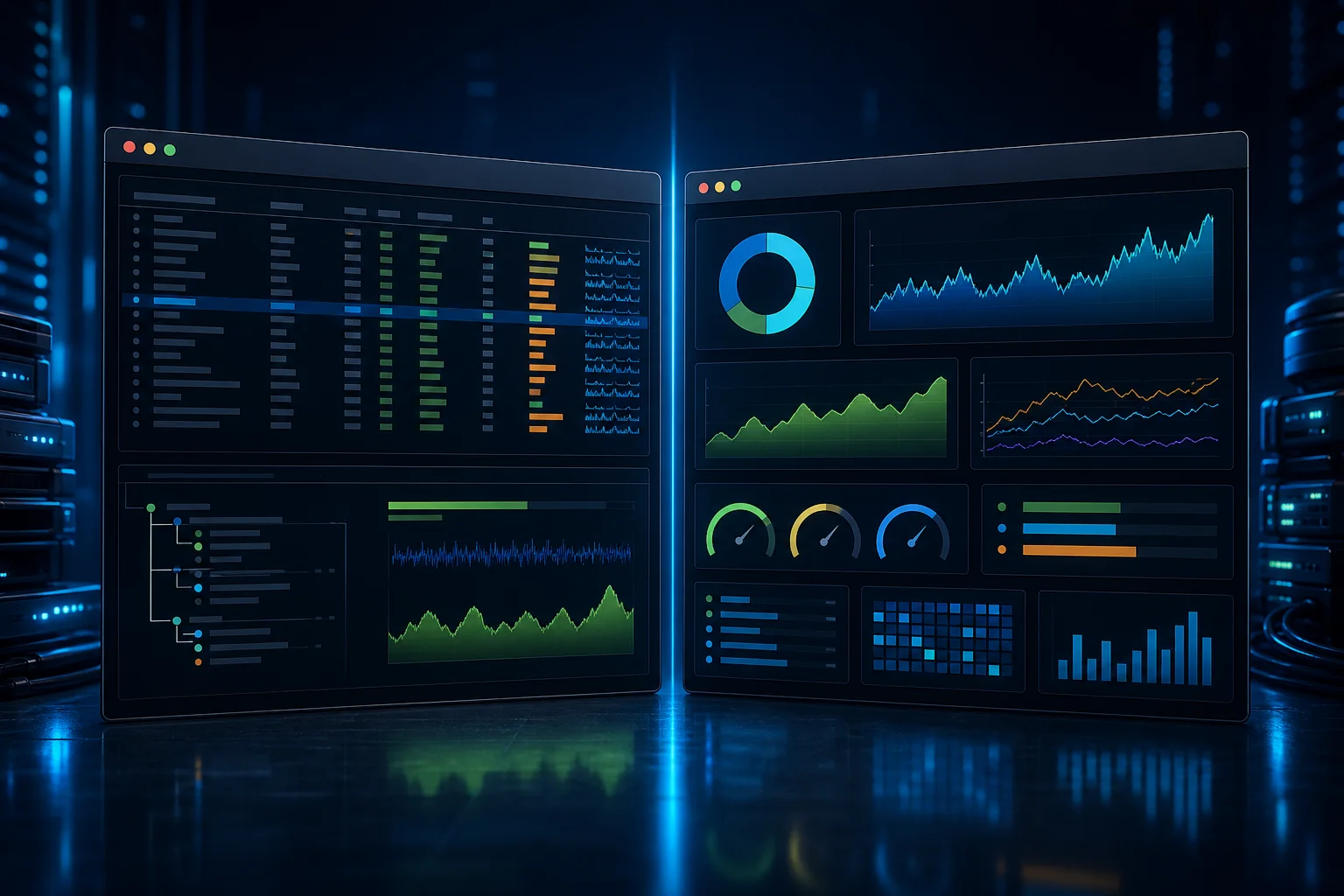
htop and btop are interactive terminal monitors that make processes and resource use easier to scan than a long command output. They serve a similar purpose but offer different layouts and interaction styles.
What htop is good at
htop focuses on a compact process list with CPU and memory meters, sorting and process selection. It can be comfortable on a narrow terminal or remote session, and many administrators already know its keyboard controls. Features depend on the installed version and build options.
What btop adds to the view
btop presents CPU, memory, network, disk and process information in a more graphical terminal dashboard. The extra panels can make trends easier to notice at a glance, but they also use more screen space. On a small terminal or a high-latency SSH link, a simpler view may be easier to work with.
Neither program is a full monitoring system. A live display is a point-in-time view; it does not preserve history, define alert thresholds or explain why a service is slow. Use your metrics and logs when you need trends over time.
Choose based on the task
Use the distribution's trusted repository when possible and check the package source before installing a binary from elsewhere. Learn how to sort, search and send a signal before using interactive process controls on a production host. Killing a process can interrupt writes or leave an application in an inconsistent state.
Try both on a non-critical machine or in a terminal you already use. Keep whichever helps you answer the immediate question with less distraction. For repeatable incident work, record the underlying metrics and commands rather than depending on a particular dashboard layout.
Related Articles


Comments (0)
Leave a Comment
Sponsors



Apps